Create eLearning courses in ChatGPT
How it works
Add Skillsail to ChatGPT
Open the Skillsail plugin in ChatGPT from the link on this page and add it to your account. In ChatGPT workspaces, an administrator may need to enable it first.
Sign in to your workspace
Connect with your Skillsail account and choose the organization ChatGPT should work in. Everything you create stays in that workspace.
Ask for a course
Describe the training you need or paste source content. Skillsail structures it into slides, quiz questions, and activities you can refine turn by turn.
What you can do
Build complete modules
Generate a structured course from a prompt, a document, or an outline, including welcome and completion slides.
Edit slides and quizzes
Add, reorder, and rewrite slides, quiz questions, and interactive activities in plain language.
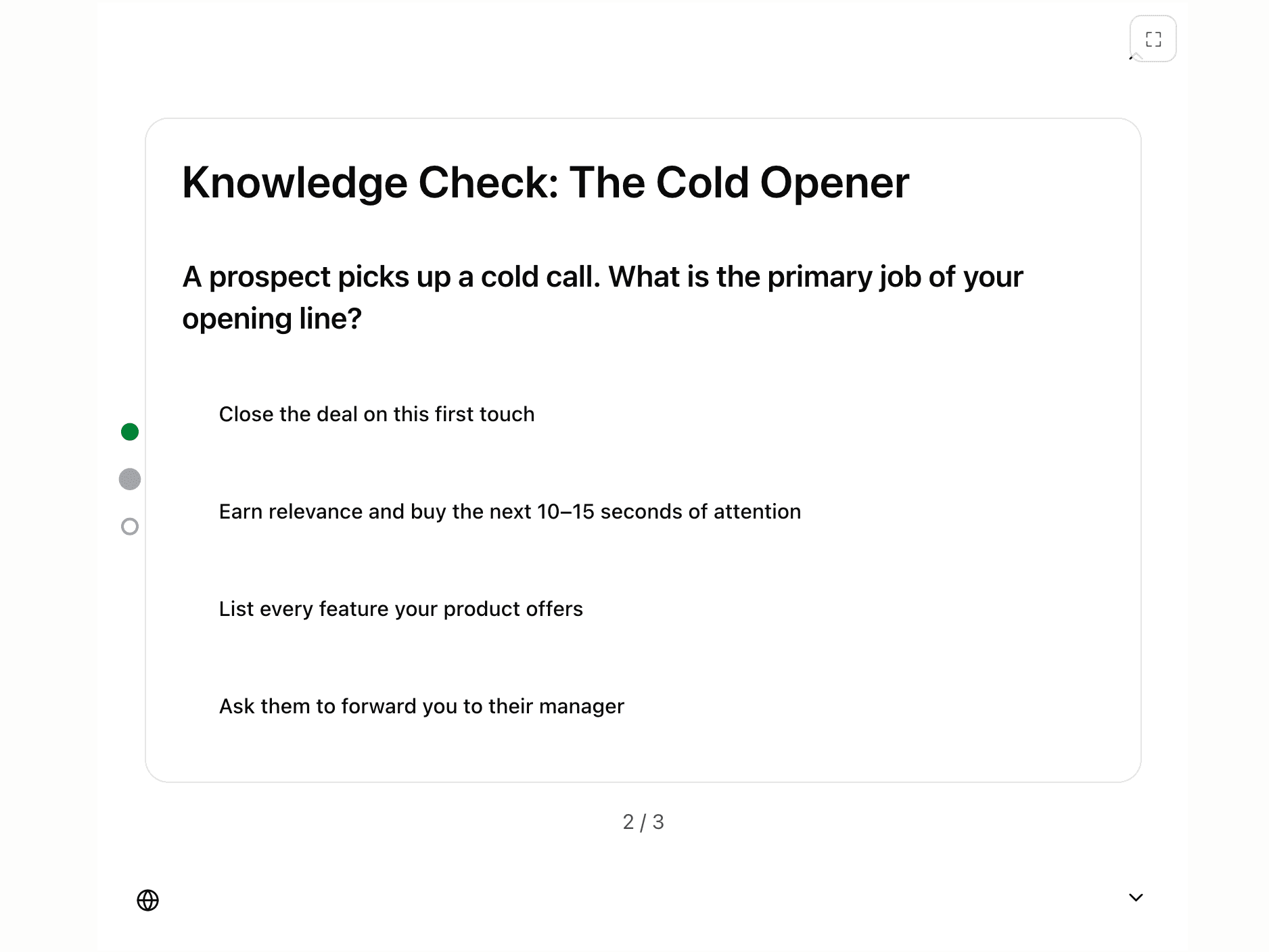
Preview in the chat
Review your module in an interactive player inside the conversation before you share it.
Translate courses
Localize a module into other languages while keeping structure, media, and formatting intact.
Share and reuse
Publish share links and turn finished modules into templates your team can build on.
Export for your LMS
Download SCORM 1.2, SCORM 2004, xAPI, cmi5, or HTML5 packages that work in any major LMS.
Frequently asked questions
- Can ChatGPT create an eLearning course?
- Yes. With the Skillsail plugin connected, ChatGPT can create complete eLearning modules with slides, quiz questions, and interactive activities. Skillsail handles structure, storage, and export while you direct the content in the conversation.
- Can ChatGPT export SCORM files?
- Not on its own. Connected to Skillsail, ChatGPT can export your module as SCORM 1.2, SCORM 2004, xAPI, cmi5, or HTML5 and hand you a download link that works with any major LMS.
- How do I connect Skillsail to ChatGPT?
- Open the Skillsail plugin in ChatGPT, add it to your account, and sign in with your Skillsail account. The link on this page takes you straight to the plugin. If your workspace restricts plugins, ask an administrator to enable it.
- Do I need a Skillsail account?
- Yes. The plugin works inside your Skillsail organization, so every module is stored in your workspace and stays available in the web app, where you can keep editing and publishing it.
- Is my content secure?
- Skillsail only accesses the organization you signed into, transfers are encrypted, and Skillsail never uses your content to train AI models. Your conversation with ChatGPT itself is governed by OpenAI's data controls.
- What is the difference between the plugin and MCP?
- The Skillsail plugin is built on the Model Context Protocol (MCP), an open standard for connecting AI assistants to tools. ChatGPT packages it as a plugin, and other MCP clients can connect to the same server. The technical details are in our MCP documentation.
Also working with Claude? See the Skillsail connector for Claude.
Your next course is one conversation away
Sign up for Skillsail, connect the plugin, and turn your expertise into interactive training.