

PowerPoint to eLearning for Technology
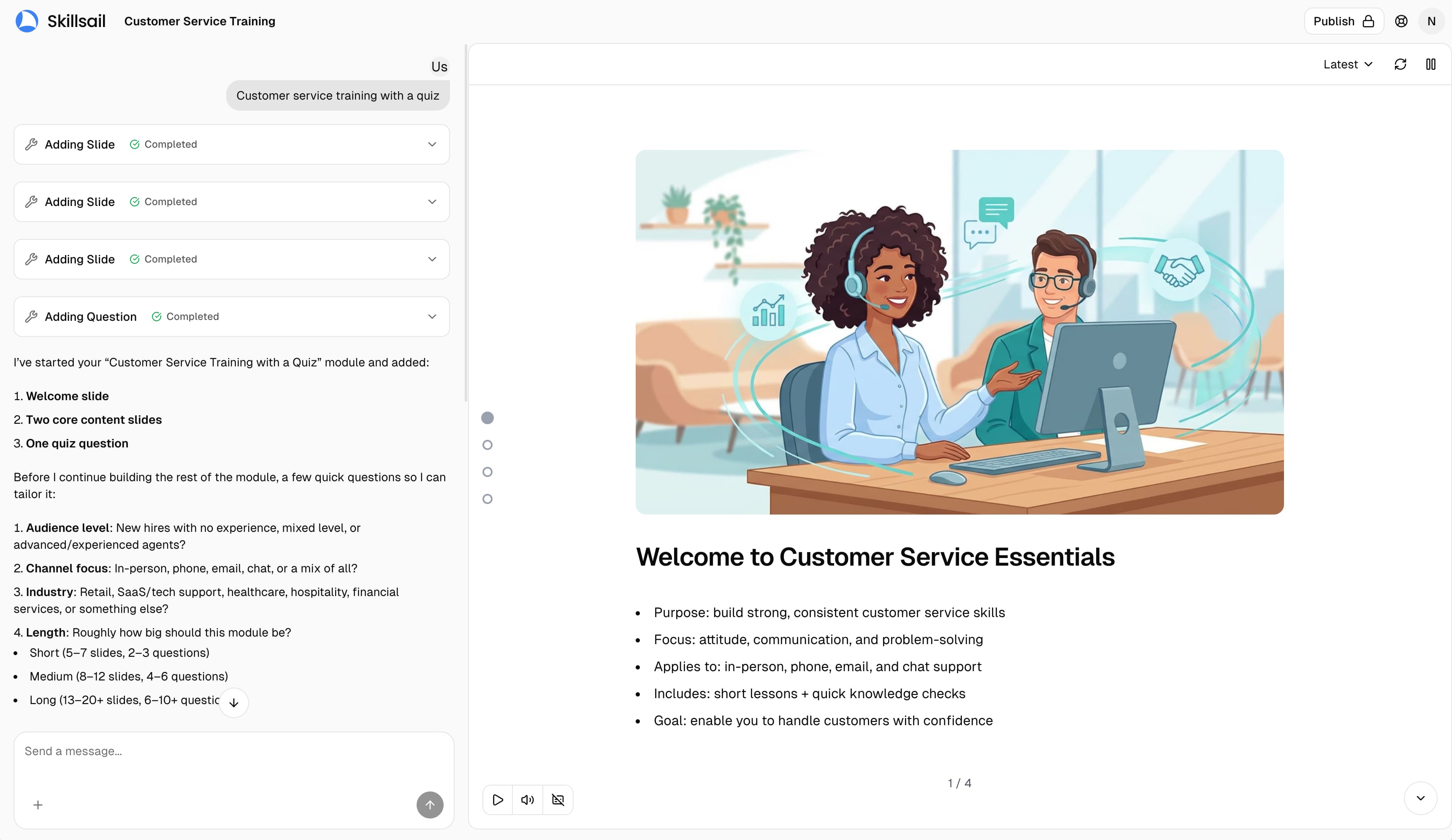
From presentation material to independent learning
Keep the knowledge in the deck while changing how learners encounter it.
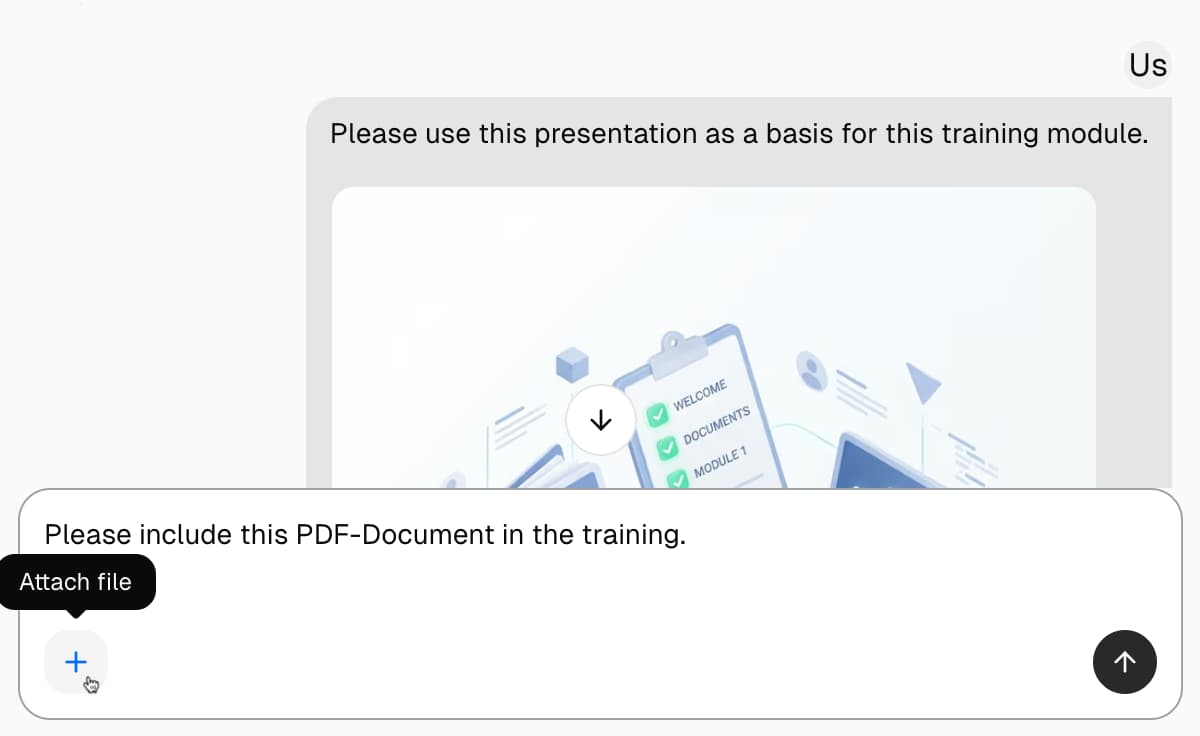
Make the content work without a presenter
Turn dense bullets, shorthand, and speaker cues into clear explanations that make sense on their own.
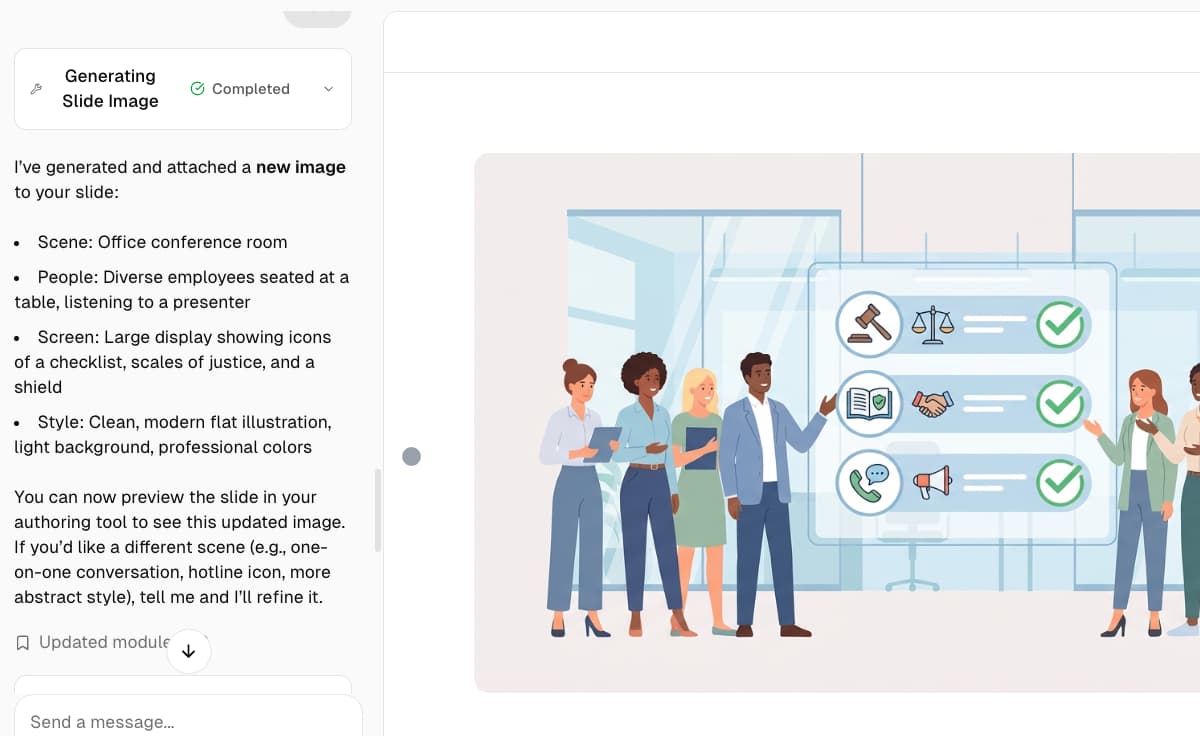
Add action, not just navigation
Place questions, feedback, decisions, and focused practice between lessons instead of wrapping static slides in Next and Back buttons.
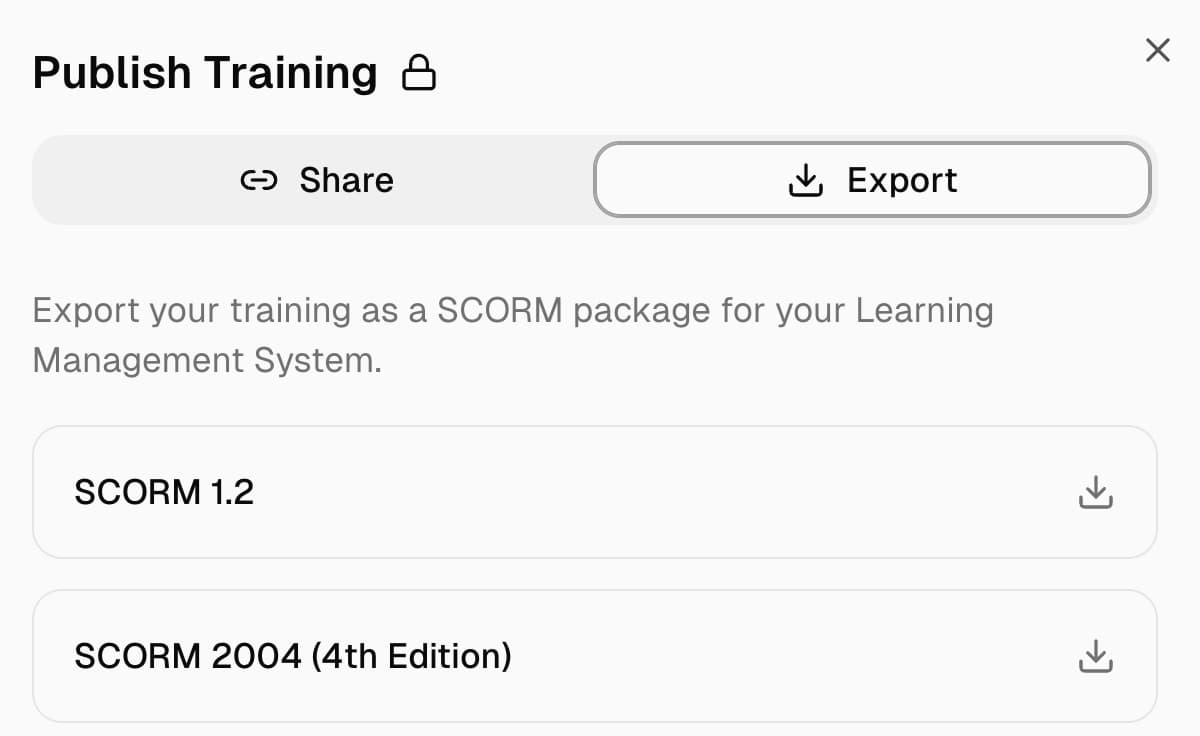
Create something your learning system can track
Set view-based or score-based completion and publish the finished module for your LMS, learning record store, or web server.
Selective PPTX import
Work with the whole presentation or only the slides relevant to a particular audience, role, or module.
Learner-focused adaptation
Restructure presenter-led material into a clearer, self-paced learning flow while keeping critical source details.
Multilingual delivery
Translate and narrate one reviewed course for distributed teams in more than 160 languages.
Standards-based export
Deliver the course through an LMS using SCORM, xAPI, or cmi5, or publish it as standalone HTML5.
One deck, a course your LMS can deliver
Build once, localize for your audience, and export in the format your learning platform expects.
languages for course translation
supported export formats
Built for teams that already have useful presentations

Compliance and policy training
Keep policies, figures, named controls, and required wording while adding scenarios, questions, and score-based completion.
Compliance and regulated teams

Product and process enablement
Use process decks, launch presentations, and internal walkthroughs as the foundation for structured procedural training.
Distributed workforces
Onboarding and role readiness
Select the slides relevant to a role and turn them into training new hires can complete without waiting for a live session.
Growing and remote teams
Other Solutions for Technology
Questions & Answers
How does the AI transform my content?
Our AI analyzes your uploaded documents, presentations, or manuals and automatically structures them into engaging, interactive learning modules. It identifies key concepts, creates assessments, and optimizes the content for learner retention.
What file formats can I upload?
You can upload PDFs, PowerPoint presentations (PPTX), Word documents (DOCX), and plain text files. Our system processes these formats and extracts the content while preserving important formatting and structure.
Can I customize the generated modules?
Absolutely! After AI generation, you have full control to edit, rearrange, add, or remove content. You can customize branding, adjust quiz questions, modify slide layouts, and tailor the learning experience to your specific needs.
What export formats are available?
Export your modules in SCORM 1.2, SCORM 2004, xAPI (Tin Can), or cmi5 formats for seamless integration with any Learning Management System. You can also export as standalone HTML5 packages for offline use.
Is my content secure?
Organization content is private by default, with access controlled by account and organization permissions. Customer-facing connections use HTTPS/TLS, and private files use access-controlled object storage. Skillsail does not use customer content to train or fine-tune shared, general-purpose AI models. Provider processing depends on the applicable terms and configuration. See our Privacy Policy and provider directory for details.
How long does it take to create a module?
Most modules are generated within minutes, not weeks. A typical 30-slide presentation can be transformed into an interactive learning module in under 5 minutes. Complex documents may take slightly longer but are still dramatically faster than manual creation.
Can I use Skillsail from Slack, Telegram, or other chat apps?
Yes. Connect your Slack, Microsoft Teams, or Telegram account in Settings and chat with your Skillsail assistant where you already work: create modules, edit slides, and translate content. In Slack and Telegram, you can also send an image or PDF to turn into a course. In Slack, mention the assistant in a team channel with the key points of a discussion to turn that conversation into training. In Microsoft Teams, mention it in a team channel and it replies in a thread. You can also connect AI assistants like ChatGPT or Claude.
Does it work with our existing LMS?
Skillsail courses can be exported as SCORM 1.2, SCORM 2004, xAPI, or cmi5 for compatible LMSs, LXPs, and talent experience platforms (TXPs). An LXP is a learning experience platform, while a TXP is a talent experience platform; Skillsail works with the learning component that imports the chosen format. Examples include Moodle, Canvas, Blackboard, SAP SuccessFactors, and Cornerstone. Because support varies by product and configuration, confirm the required format with your platform administrator.
Can I try Skillsail for free?
Each organization receives 1,500 free shared AI credits once. No expiry, automatic refill, credit card or automatic charge. Generation pauses when those credits run out. Pro costs $59 per month per organization and includes 1,500 AI credits each month. Successful payment replaces any unused starter credits with the monthly allocation. Starting checkout without completing payment does not change your starter credits. Unused monthly credits expire at renewal without rollover. Extra credits cost $0.04 USD each and are off by default. An organization administrator can enable them with an optional USD spending limit or no limit. Consumption beyond available credits is billed monthly in USD. No prepaid credit packs are offered. Changes apply to new usage; completed and already-running work remain billable. Free courses include a “Made with Skillsail” badge. Pro removes Skillsail branding. Hosted courses follow your current plan. Downloaded packages keep their branding as exported: export again after upgrading to remove the badge. A package exported without the badge stays that way after cancellation. Your own logos, fonts and themes remain available on Free.
Convert PowerPoint to Interactive eLearning
Your presentation already contains valuable knowledge. Skillsail turns it into a structured, self-paced course learners can understand without a presenter. Upload a PPTX, choose the slides that matter, and create an editable module ready for review and delivery.